

Before the trip: information is scattered
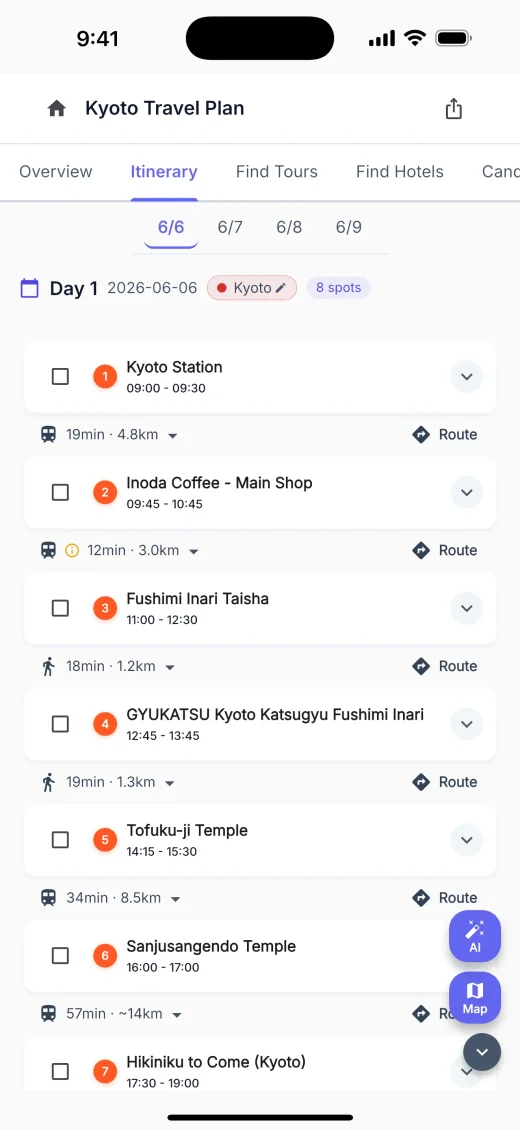
Check saved places on a map, decide the order, then copy everything into trip notes.
AI travel planning app
Turn saved places and preferences into a route-ready itinerary, then adjust it when rain, closures, delays, or fatigue change the day.
BEFORE AND DURING THE TRIP
Whether organizing saved places or replanning a disrupted day, everything is manual.
Check saved places on a map, decide the order, then copy everything into trip notes.

When rain or closures disrupt the plan, search for somewhere you can go next.
WHAT YOU CAN DO
Plan before the trip, adapt while traveling, and turn memories into a reel afterward—all in the flow of your trip.
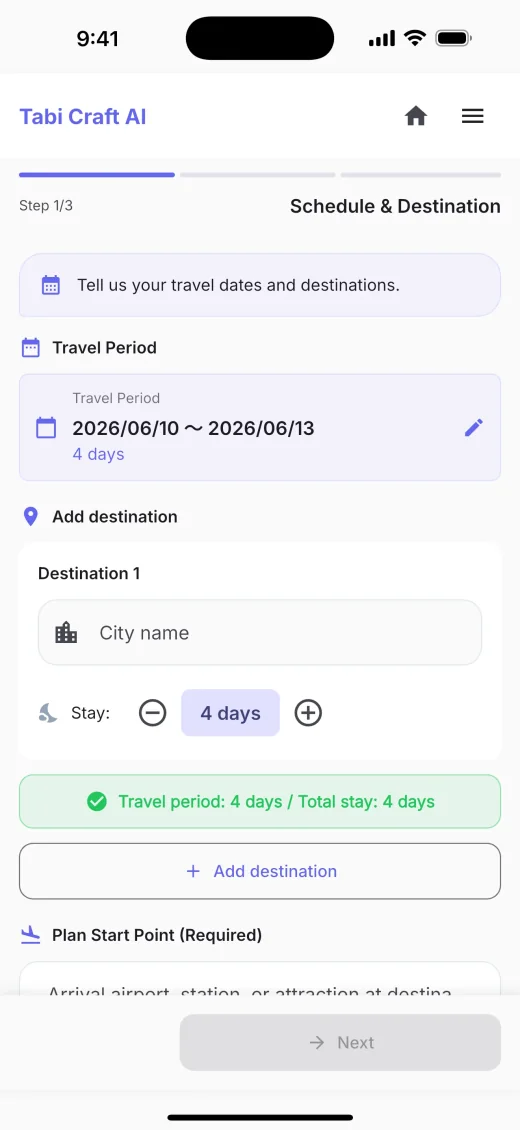
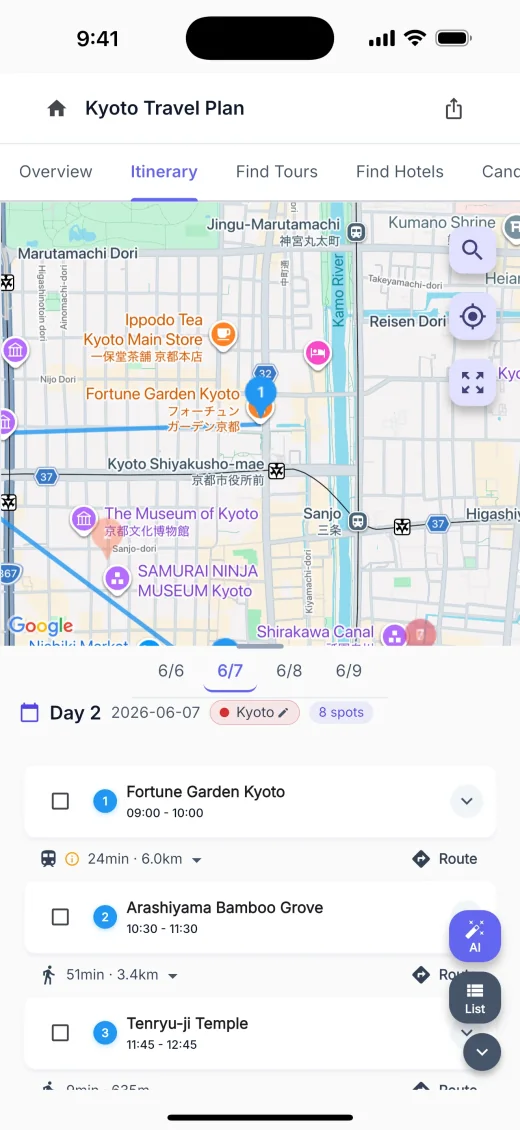
Add your dates and preferences, and AI organizes the places, travel order, and timing. Review the completed itinerary on a map and timeline.
Share one itinerary with your travel companions and edit it together.
Search for hotels that match your trip dates and destination.
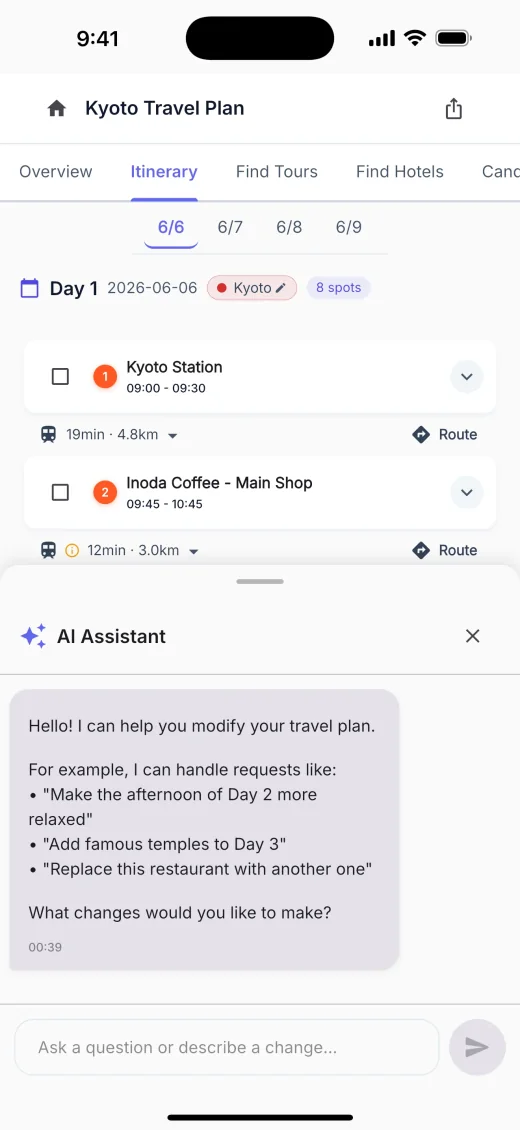
Tell AI about rain, closures, or fatigue, then rework the day through the conversation.
Choose a trip plan, add photos, video, and music, then create a vertical travel reel you can save to your device or share.
FAQ
Answers to common questions about the service.
Tabi Craft AI is currently free to use. We may introduce a subscription for some features in the future. If we do, we’ll announce it in the app or on the official website.
Yes. Review the suggested plan and adjust places or order to fit your trip.
It is available on iOS and Android. Check the official store for your device.
Open the web app to check.
See our privacy policy for details on how we handle trip plans and location data.
NEXT TRIP
Create a free trip plan, then ask AI to adapt when the day changes.
Choose your official app store or the web app.